---
title: "HR Metrics Every People Analytics Team Should Track"
description: "A practical introduction to the core KPIs in workforce analytics — with R code to calculate them yourself."
author: "Felix Betancourt"
date: "2026-04-01"
categories: [people analytics, HR metrics, R, tutorial]
image: image.jpg
---
## Why HR Metrics Matter
Most HR departments collect data. Far fewer actually use it. The gap between having a spreadsheet and having insight is where People Analytics lives.
In this post I'll walk through the **five foundational HR metrics** every analytics-capable team should have on their dashboard — and show how to calculate them in R.
## Setup
```{r}
#| message: false
#| warning: false
library(tidyverse)

# Simulated employee dataset
set.seed(42)
n <- 500

employees <- tibble(
  employee_id   = 1:n,
  hire_date     = sample(seq(as.Date("2018-01-01"), as.Date("2025-01-01"), by="day"), n, replace=TRUE),
  term_date = sample(c(as.Date(NA), sample(seq(as.Date("2020-01-01"), as.Date("2025-12-31"), by="day"), n, replace=TRUE)), n, replace=TRUE),
  department    = sample(c("Sales","Engineering","HR","Finance","Operations"), n, replace=TRUE),
  salary        = round(rnorm(n, mean=75000, sd=20000)),
  performance   = sample(1:5, n, replace=TRUE, prob=c(0.05,0.15,0.40,0.30,0.10)),
  active        = is.na(term_date)
)
```
## 1. Headcount
```{r}
headcount <- employees |>
  filter(active) |>
  count(department, name = "headcount") |>
  arrange(desc(headcount))

headcount
```
## 2. Turnover Rate
Annualized voluntary turnover is one of the most watched metrics in HR:
$$\text{Turnover Rate} = \frac{\text{Separations in Period}}{\text{Average Headcount}} \times 100$$
```{r}
separations_2024 <- employees |>
  filter(!is.na(term_date),
         between(term_date, as.Date("2024-01-01"), as.Date("2024-12-31"))) |>
  nrow()

avg_headcount <- employees |>
  filter(hire_date <= as.Date("2024-12-31")) |>
  nrow()

turnover_rate <- (separations_2024 / avg_headcount) * 100

cat("Annual Turnover Rate (2024):", round(turnover_rate, 1), "%")
```
## 3. Average Tenure
```{r}
employees |>
  mutate(
    end_date  = if_else(active, Sys.Date(), term_date),
    tenure_yrs = as.numeric(end_date - hire_date) / 365.25
  ) |>
  group_by(department) |>
  summarise(avg_tenure_years = round(mean(tenure_yrs), 1)) |>
  arrange(desc(avg_tenure_years))
```
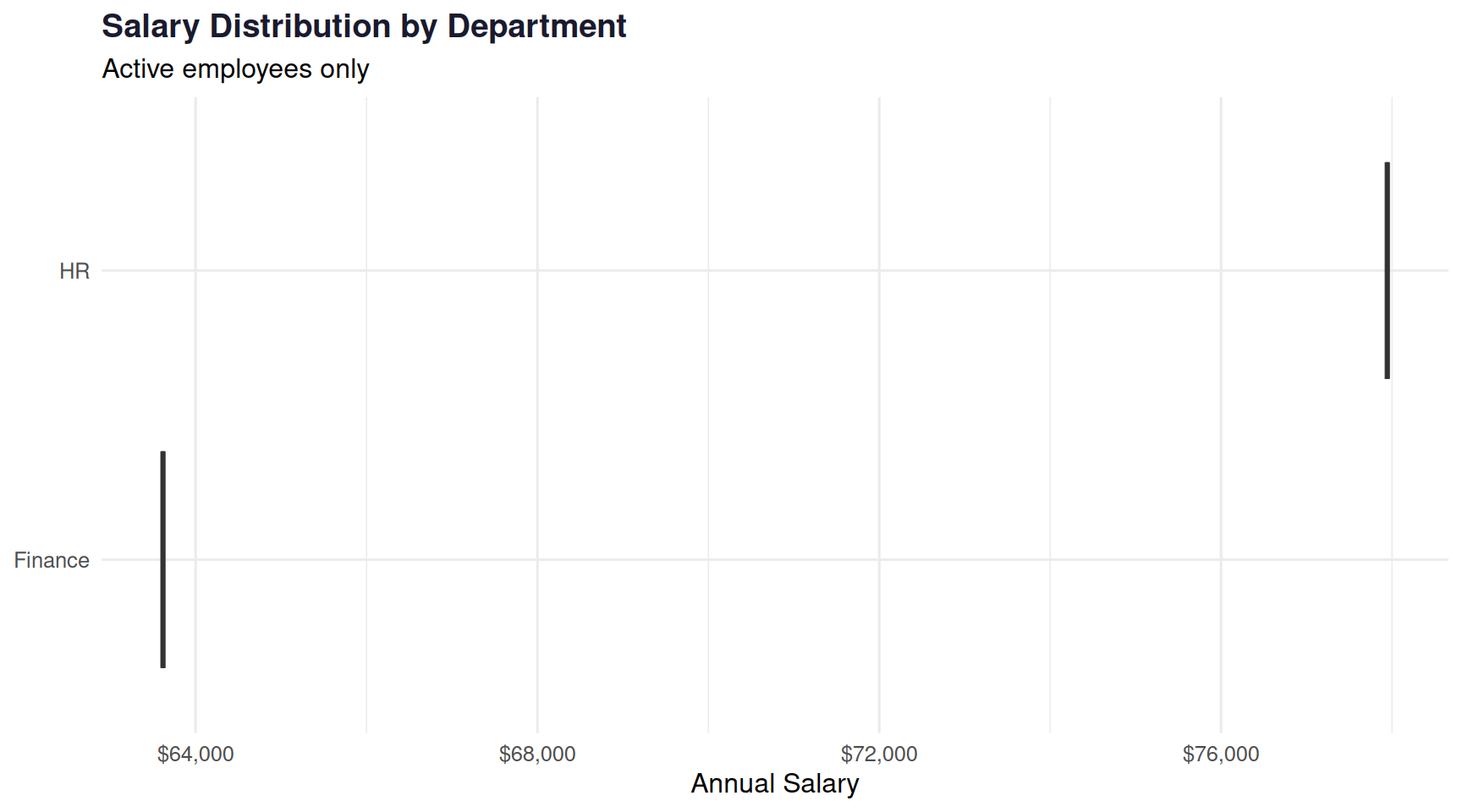
## 4. Salary Distribution by Department
```{r}
#| fig-width: 9
#| fig-height: 5
employees |>
  filter(active) |>
  ggplot(aes(x = reorder(department, salary, median), y = salary, fill = department)) +
  geom_boxplot(alpha = 0.7, show.legend = FALSE) +
  scale_y_continuous(labels = scales::dollar_format()) +
  scale_fill_manual(values = c("#29abe2","#1a7db5","#74c8ec","#0d5c8a","#a8d8ea")) +
  coord_flip() +
  labs(
    title    = "Salary Distribution by Department",
    subtitle = "Active employees only",
    x        = NULL,
    y        = "Annual Salary"
  ) +
  theme_minimal(base_size = 12) +
  theme(plot.title = element_text(color = "#1a1a2e", face = "bold"))
```
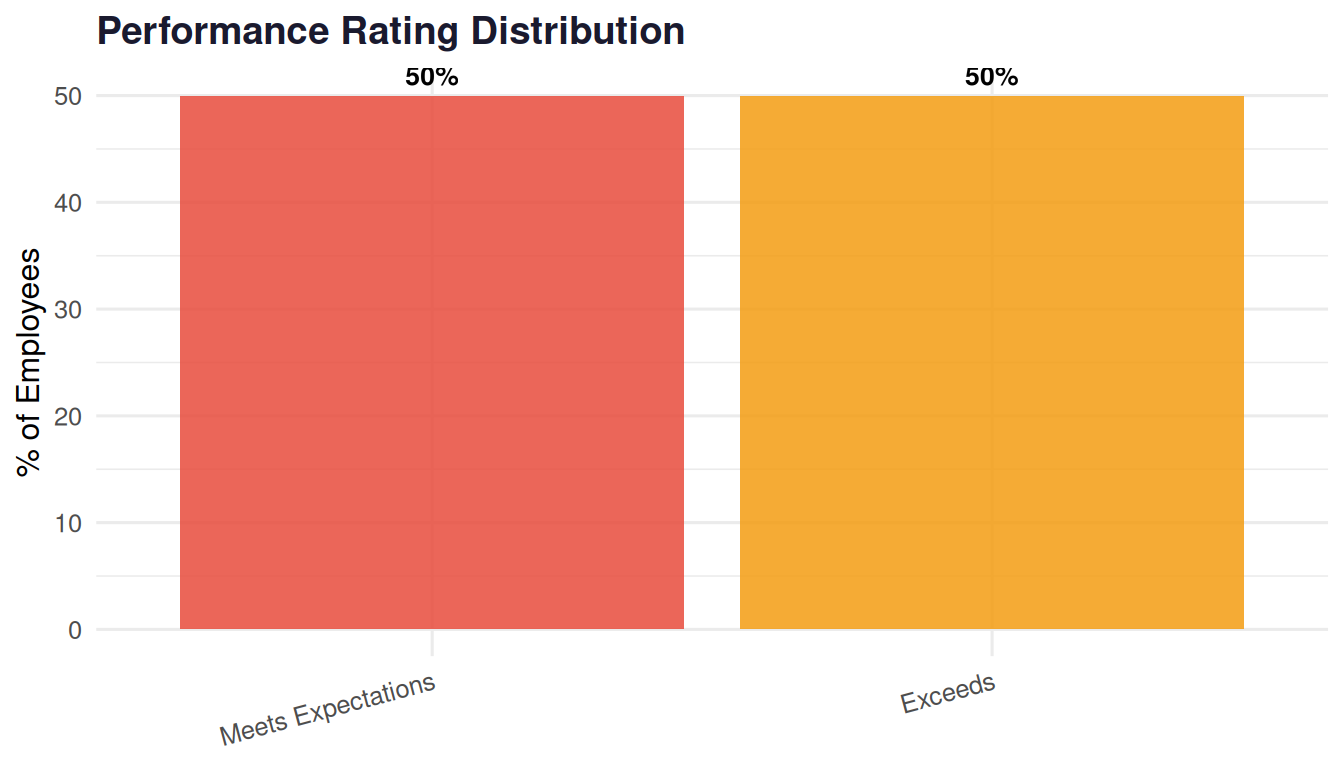
## 5. Performance Distribution
```{r}
#| fig-width: 7
#| fig-height: 4
perf_data <- employees |>
  filter(active) |>
  count(performance) |>
  mutate(
    pct = n / sum(n) * 100,
    label = paste0(round(pct, 1), "%"),
    perf_label = factor(performance, levels = 1:5,
      labels = c("Needs Improvement","Below Average","Meets Expectations","Exceeds","Outstanding"))
  )

ggplot(perf_data, aes(x = perf_label, y = pct, fill = perf_label)) +
  geom_col(show.legend = FALSE, alpha = 0.85) +
  geom_text(aes(label = label), vjust = -0.5, fontface = "bold", size = 3.5) +
  scale_fill_manual(values = c("#e74c3c","#f39c12","#74c8ec","#29abe2","#1a7db5")) +
  labs(title = "Performance Rating Distribution", x = NULL, y = "% of Employees") +
  theme_minimal(base_size = 12) +
  theme(axis.text.x = element_text(angle = 15, hjust = 1),
        plot.title = element_text(color = "#1a1a2e", face = "bold"))
```
## Key Takeaways
These five metrics — **headcount, turnover rate, tenure, compensation equity, and performance distribution** — are the foundation of any people analytics practice. Once you have these running reliably, you can layer in more advanced work: predictive attrition models, engagement drivers, succession risk.
In upcoming posts I'll show how to take this further with machine learning and real workforce datasets.
------------------------------------------------------------------------
*All data in this post is simulated for illustration purposes.*